Sell your sports gear on Playmatch
Open a shop, add products with AI photo analysis, manage orders and chat with customers.
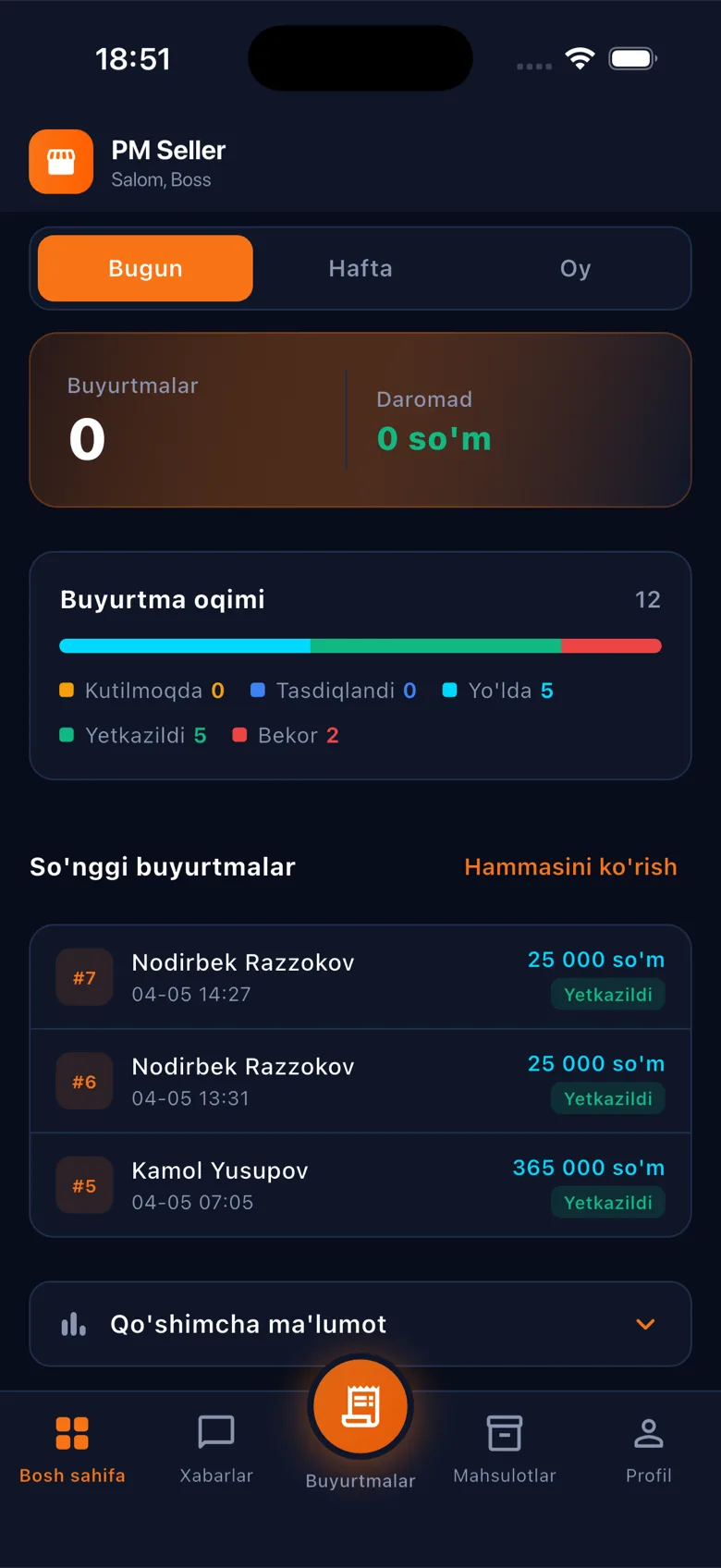
Open a shop, add products with AI photo analysis, manage orders and chat with customers.
From opening a shop to revenue analytics — all in one app.
Set your logo, address and location on the map — open your shop in a few minutes.
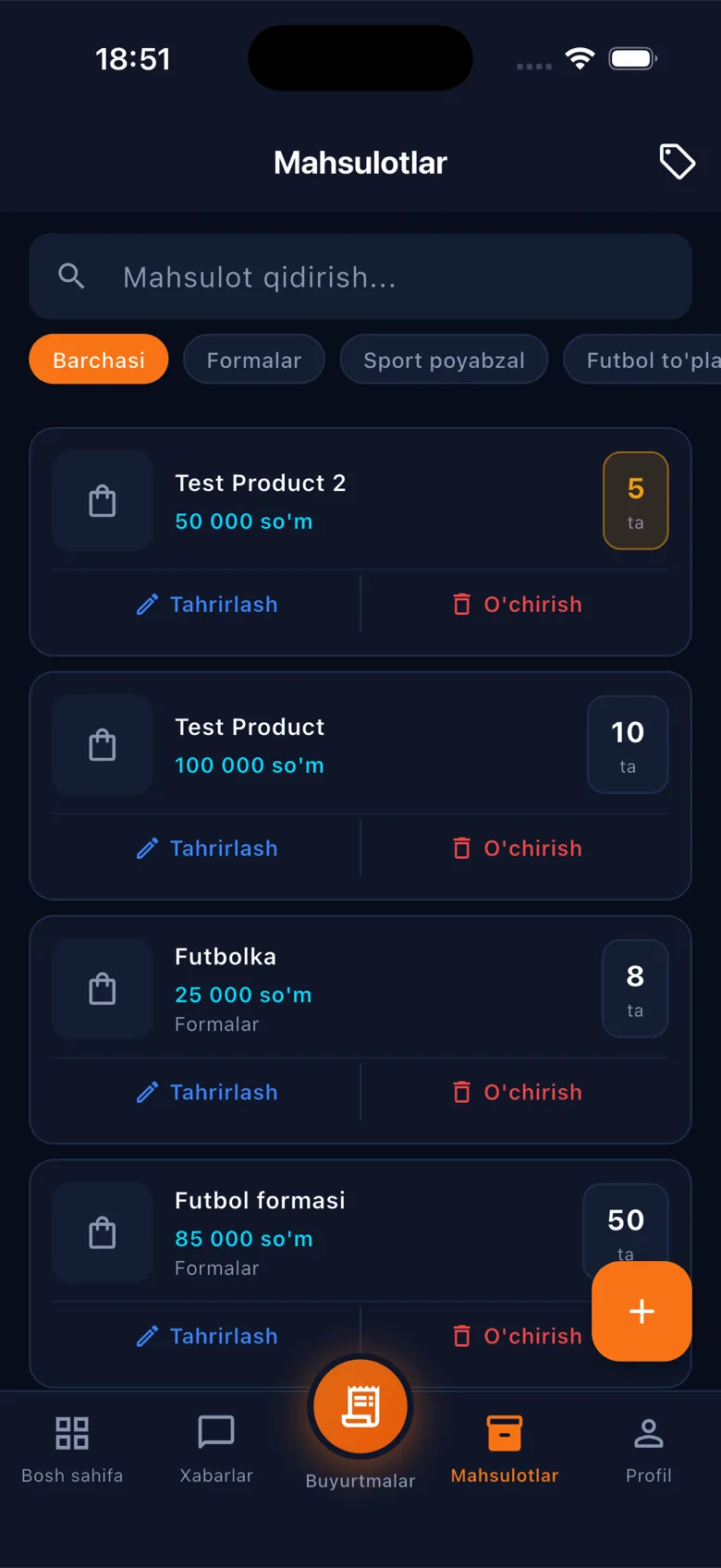
Upload a product photo — AI automatically fills in the name, description and category.
NewWrite a product description in one language — the system automatically translates it into Uzbek, Russian and English.
NewPending → preparing → delivering → delivered — track order status step by step.
Message buyers directly inside the app and answer questions quickly.
See sales, orders and a revenue chart on a single panel.
Sign up in one tap with your Google or Apple account — no password needed.
Sign in with Google or Apple and enter your shop details.
Upload a photo — AI fills in the name and description automatically, translated into 3 languages.
Customers place orders, you track delivery through the pipeline.
Yes, downloading PM Seller and opening a shop are free. There's no limit on the number of orders.
No. You upload a product photo — AI suggests the name, category and description automatically, and you can edit them if you want.
Yes. A description written in one language is automatically translated into Uzbek, Russian and English — customers see it in their chosen language.
Download PM Seller and add your first product in a few minutes.